AI Automation for Small Business: A Practical 2026 Starter Guide
 ·
· 
AI Automation for Small Business: A Practical 2026 Starter Guide
Quick answer: AI automation for small business means connecting AI models to your everyday tools (email, spreadsheets, CMS, social) so repetitive work runs without you. Start with one high-frequency, low-risk task — like content repurposing or lead follow-up — using a no-code platform such as Make.com or n8n, prove it saves hours, then expand. You don’t need a developer or a big budget to begin.
Most small businesses lose hours every week to copy-paste work that AI can now handle. This guide shows where to start without overcomplicating it — no enterprise software, no engineering team.
Written by Astro Tobby, who runs a fully automated AI content pipeline as a one-person operation.
What is AI automation for small business?
AI automation is wiring an AI model into your existing tools so routine tasks happen automatically — triggered by an event, run start to finish, with no manual steps. Instead of you writing every social caption or sorting every inbound lead, a workflow does it: an event fires (new blog post, new form submission), the AI processes it, and the result lands where it belongs.
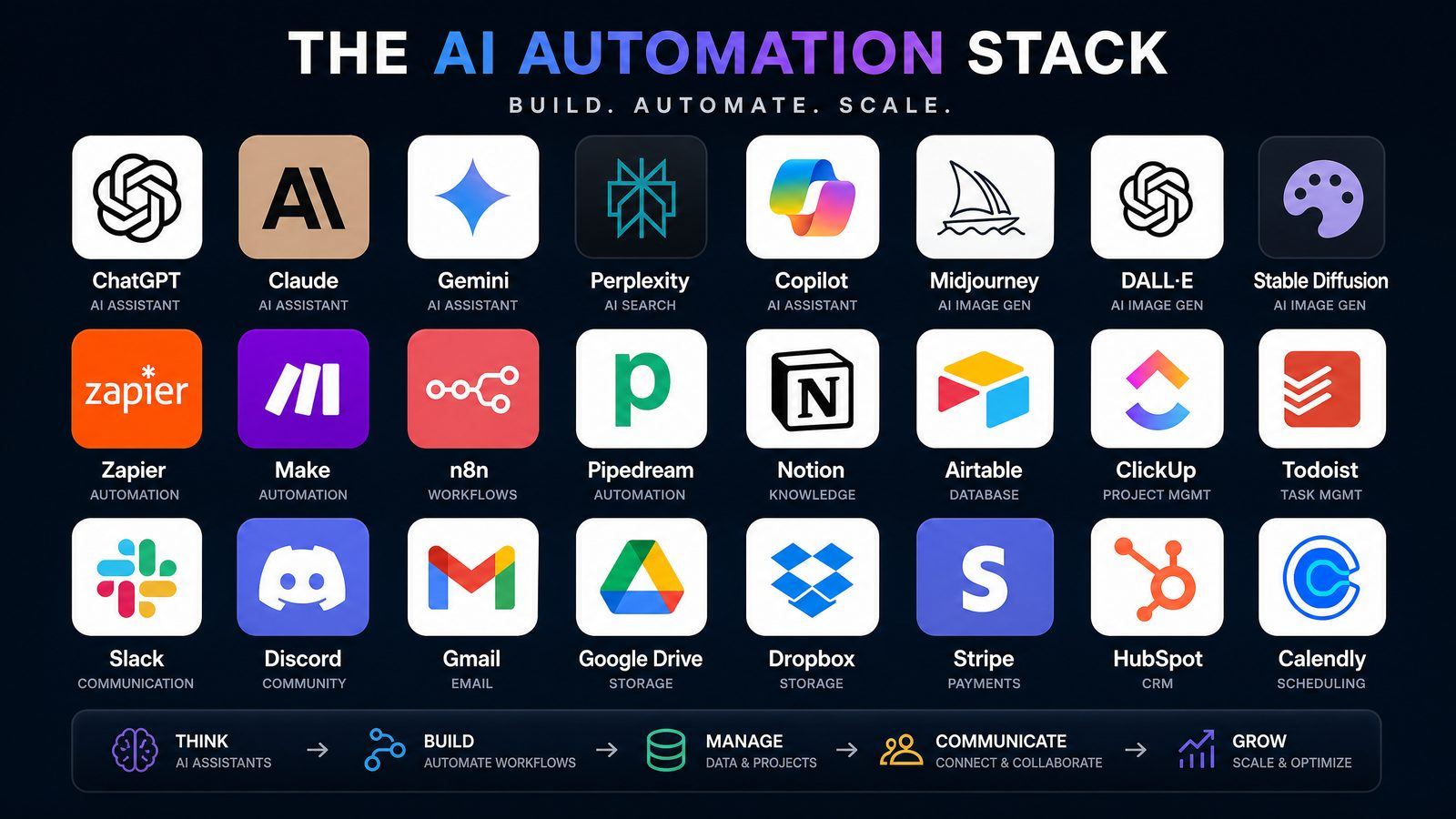
The unlock for small businesses is no-code platforms (Make.com, Zapier, n8n) that connect apps and AI without engineering.
What should a small business automate first?
Automate the task you do most often that has clear inputs and a low cost of being slightly wrong. High-frequency + low-risk = fast payoff and a safe place to learn. Drafting social posts from a blog, sending lead follow-up emails, or tagging and routing form submissions are ideal starters. Save high-stakes work (contracts, payments) for later, with human review.
| Task | Frequency | Risk | Good first automation? |
|---|---|---|---|
| Repurpose blog → social posts | High | Low | ✅ Best starter |
| Lead follow-up emails | High | Low–med | ✅ Strong |
| Data entry / CRM tagging | High | Low | ✅ Strong |
| Customer support triage | High | Medium | ⚪ With review |
| Invoicing / payments | Med | High | ❌ Not first |
How to set up your first AI automation: a 5-step framework
- Pick one task from the high-frequency, low-risk column above.
- Map the trigger and the outcome — what starts it, what “done” looks like.
- Choose a no-code platform — Make.com or n8n for flexibility, Zapier for simplicity.
- Insert an AI step — an OpenAI/Claude module that transforms the input (e.g. blog text → 5 captions).
- Test on real data, then turn it on — watch the first few runs, add a human-review step if stakes warrant.
Start with one. A single working automation that saves two hours a week is worth more than ten half-built ones.
Make.com vs Zapier vs n8n for small business
Use Zapier if you want the easiest setup, Make.com if you want power and visual control at a lower cost, and n8n if you want self-hosting and no per-task fees. All three connect AI to your apps; the difference is the trade-off between simplicity, flexibility, and cost. Make.com is the common sweet spot for small businesses scaling beyond simple zaps.
Frequently asked questions
Do I need to know how to code? No. No-code platforms like Make.com, Zapier, and n8n let you build AI automations visually by connecting app modules — no programming required.
How much does AI automation cost for a small business? You can start on free tiers. Most small businesses run early automations for under $30/month across a no-code platform and AI API usage.
What’s the safest first thing to automate? Content repurposing — turning one blog post into social posts. It’s high-frequency, low-risk, and the output is easy to review before publishing.
Will AI automation replace my staff? It replaces repetitive tasks, not people. The usual outcome is your team spending less time on copy-paste work and more on judgment-heavy work AI can’t do.
Want the done-for-you blueprint? This guide shows where to start; the Make.com Autoblogging Blueprint gives you the exact scenarios, modules, and prompts to put content on autopilot — the same system running this blog.